“`
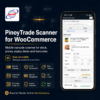
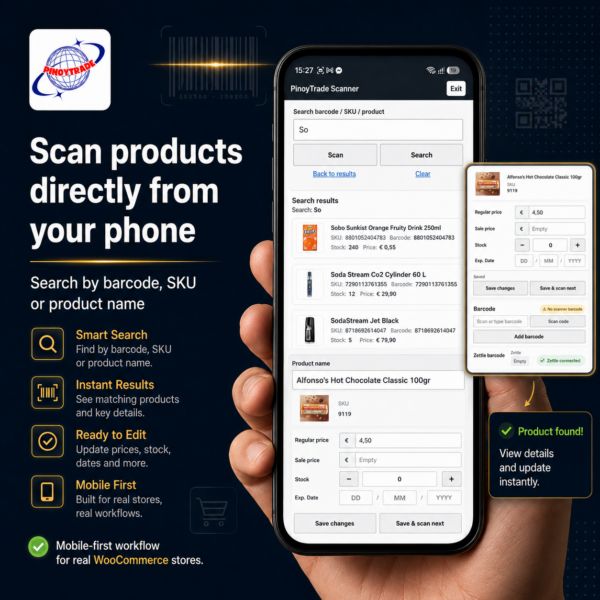
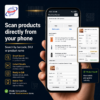
PinoyTrade Scanner for WooCommerce is a mobile-first barcode scanner and product management tool for WooCommerce stores.
It helps shop owners and staff quickly find products, update stock, edit prices, manage expiry dates and maintain product barcodes directly from a phone, tablet, laptop or desktop.
Main features
- Search by barcode, SKU or product name
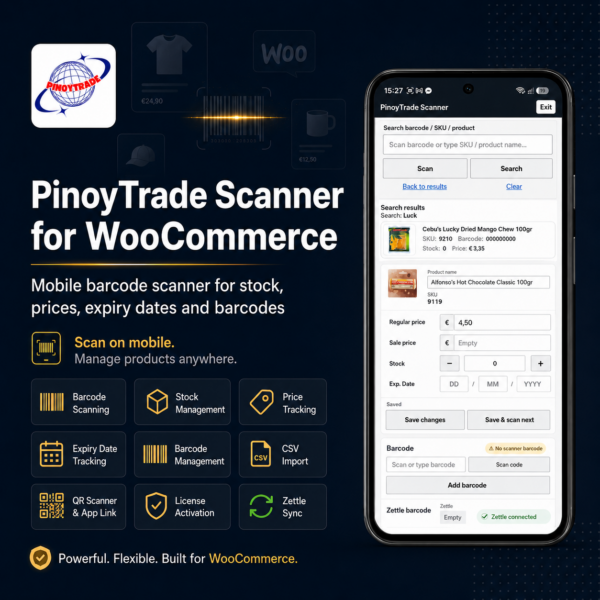
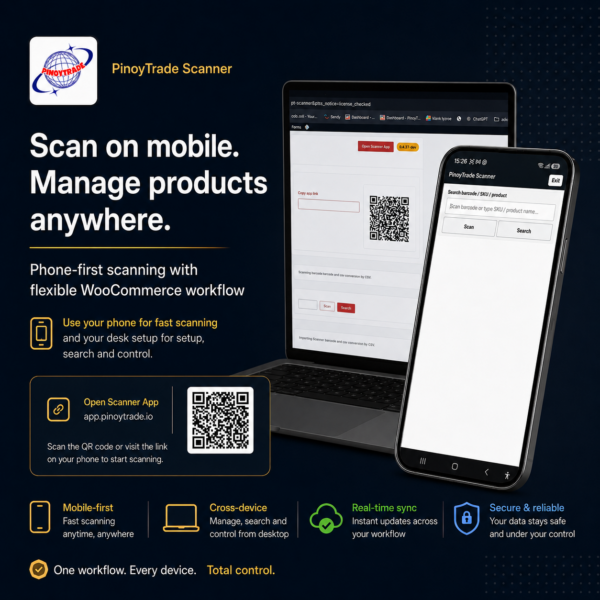
- Mobile scanner app with QR code and app link
- Install scanner on phone as app icon
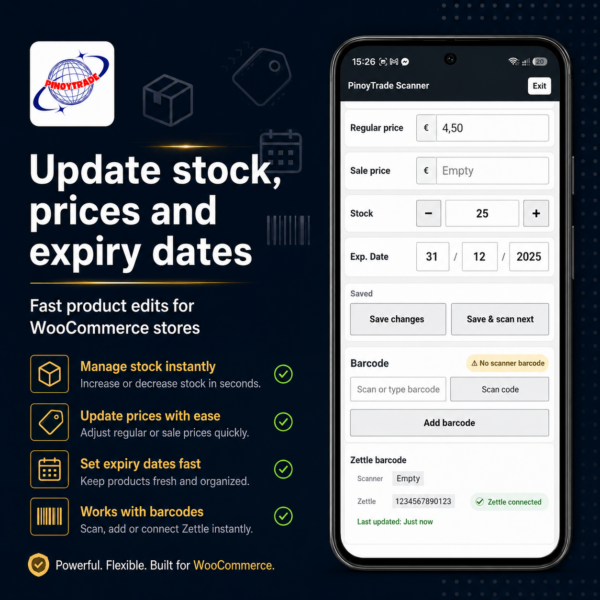
- Update stock quickly
- Update regular price and sale price
- Add, change or remove product barcodes
- Expiry date input
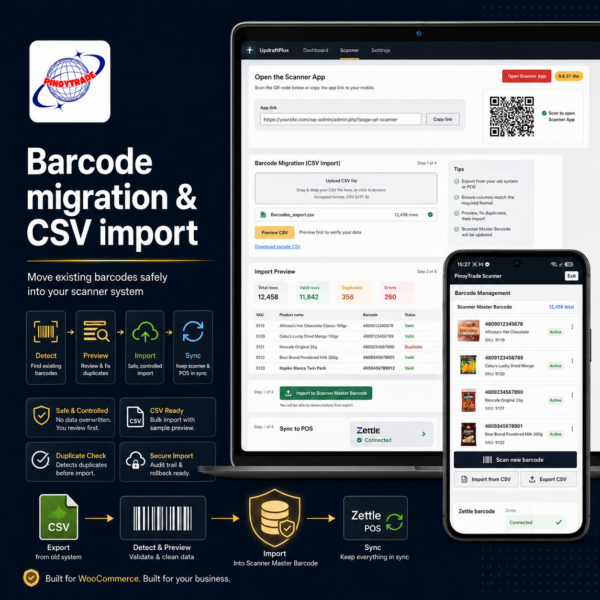
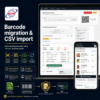
- Barcode migration from existing barcode fields
- Advanced CSV import with preview
- Zettle barcode sync
- License-protected access
- Secure download after purchase
Barcode management
The scanner barcode is the master barcode.
Zettle barcode is treated as a sync copy and follows the scanner barcode. If the scanner barcode is changed, Zettle is updated. If the scanner barcode is cleared, the Zettle barcode is cleared as well.
The scanner blocks duplicate barcode conflicts when the same barcode already belongs to another product.
Mobile scanner app
After activation, the plugin shows a Mobile Scanner App section with:
- Open Scanner App button
- Copy app link
- Dynamic QR code
- Scanner access code
- Generate new code
The scanner can be added to a phone home screen as an app icon.
What happens after purchase?
You can also follow the full Quick Start Guide here.
After your order is completed, you will receive a license email with:
- your license key
- your secure plugin download link
- installation instructions
- activation instructions
Install the plugin in WordPress, click Activate, enter your license email and license key, then click Check and save.
The setup wizard will guide you through the scanner app, QR code, access code and barcode migration.
Requirements
- WordPress
- WooCommerce
- PHP-compatible hosting
- Active PinoyTrade Scanner license
- WordPress admin or shop manager access
Important
This plugin is intended for WooCommerce product management. It can update stock, prices, sale prices, expiry dates and barcodes. Only give scanner access to trusted users.
Frequently Asked Questions
Do I need WooCommerce?
Yes. PinoyTrade Scanner for WooCommerce is built for WooCommerce product management.
Can I use the scanner on my phone?
Yes. The scanner can be opened with a QR code or app link and can be added to your phone as an app icon.
Can I update stock and prices?
Yes. You can update stock, regular price, sale price and expiry date directly from the scanner.
Can I import existing barcodes?
Yes. The setup can detect existing barcode fields and includes a safe barcode migration flow. CSV import is also available for advanced users.
Does it work with Zettle?
Yes. The scanner barcode is the master barcode. Zettle barcode is treated as a sync copy and follows the scanner barcode.
What happens if the same barcode already exists on another product?
The scanner blocks the change and shows a conflict warning.
Is a license required?
Yes. An active PinoyTrade Scanner license is required to use the scanner.
Is this a native Android or iPhone app?
No. The scanner runs as a secure web app from your own WordPress/WooCommerce website. It can be added to your phone as an app icon.
How long is the license valid?
The first license period is valid for 1 year, unless stated otherwise on the product page or in your license email.